
What this is for. OneDive B2B is where you order from distributors and look after your inventory. The register is where you sell. They are two parts of OneDive that share one sign-in: sign in to OneDive B2B and the register opens already signed in, with nothing more to type. You end up on the Cashier screen, ready for the first customer.
Sign in to OneDive B2B
Sign in at onediveb2b.com with your email and password, or with Google if that is how you joined. This is the only sign-in you need.
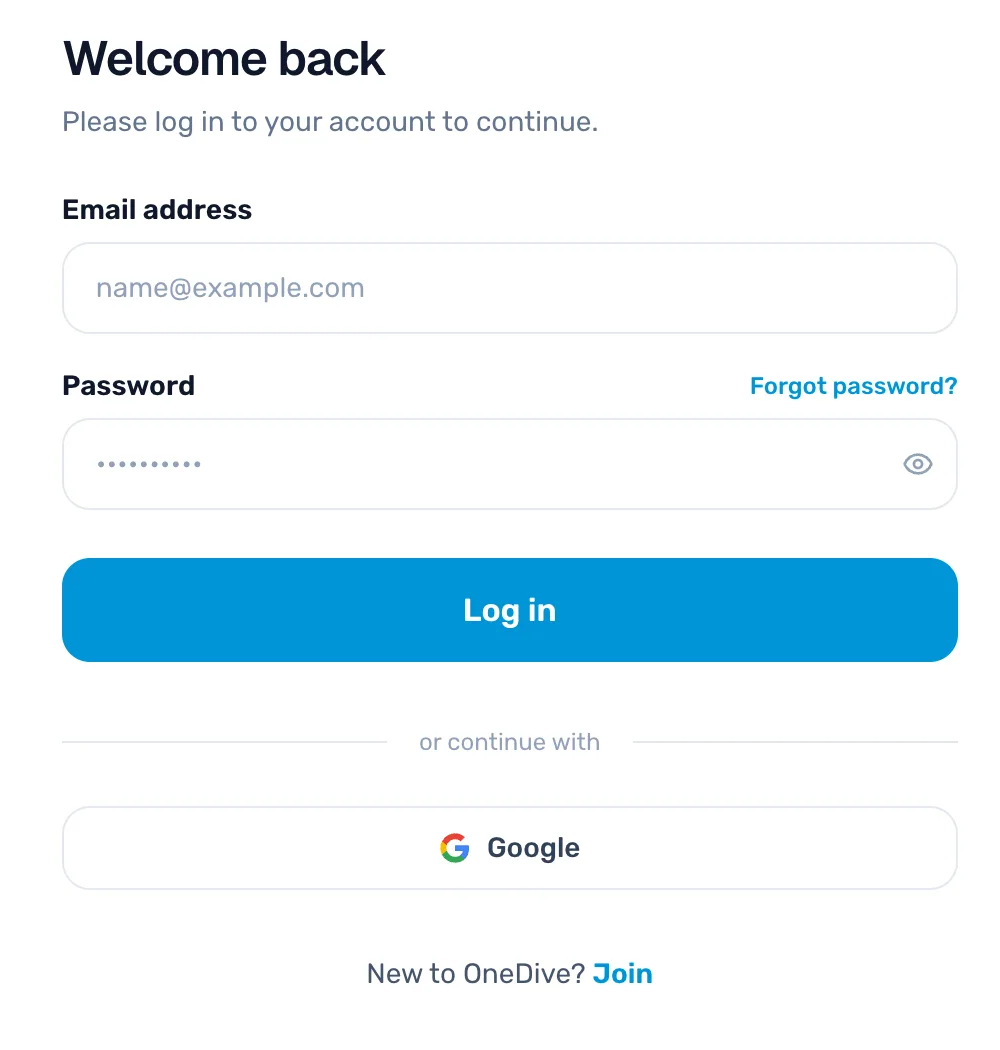
- Email address and Password. The same ones you use for everything in OneDive.
- Log in. Takes you to your Overview page.
- Google. Signs you in with your Google account, if you joined that way.
Tap Open register
After you sign in you land on the Overview page. In the top right is the Retail POS card. Tap Open register.
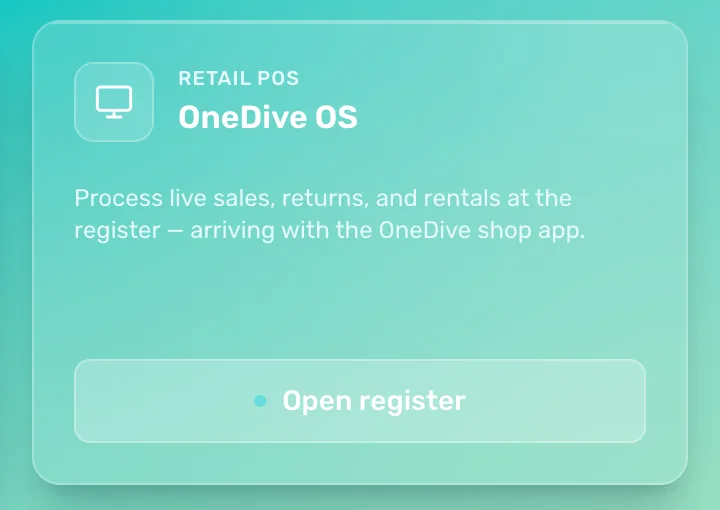
- Retail POS, OneDive OS. The card for your register.
- Open register. Opens the register in a new browser tab. OneDive B2B stays open in the first tab, so you can switch back to it any time.
You are on the Cashier screen
The register opens on the Cashier screen. Your name and your shop show at the top, so you can check you are in the right place.
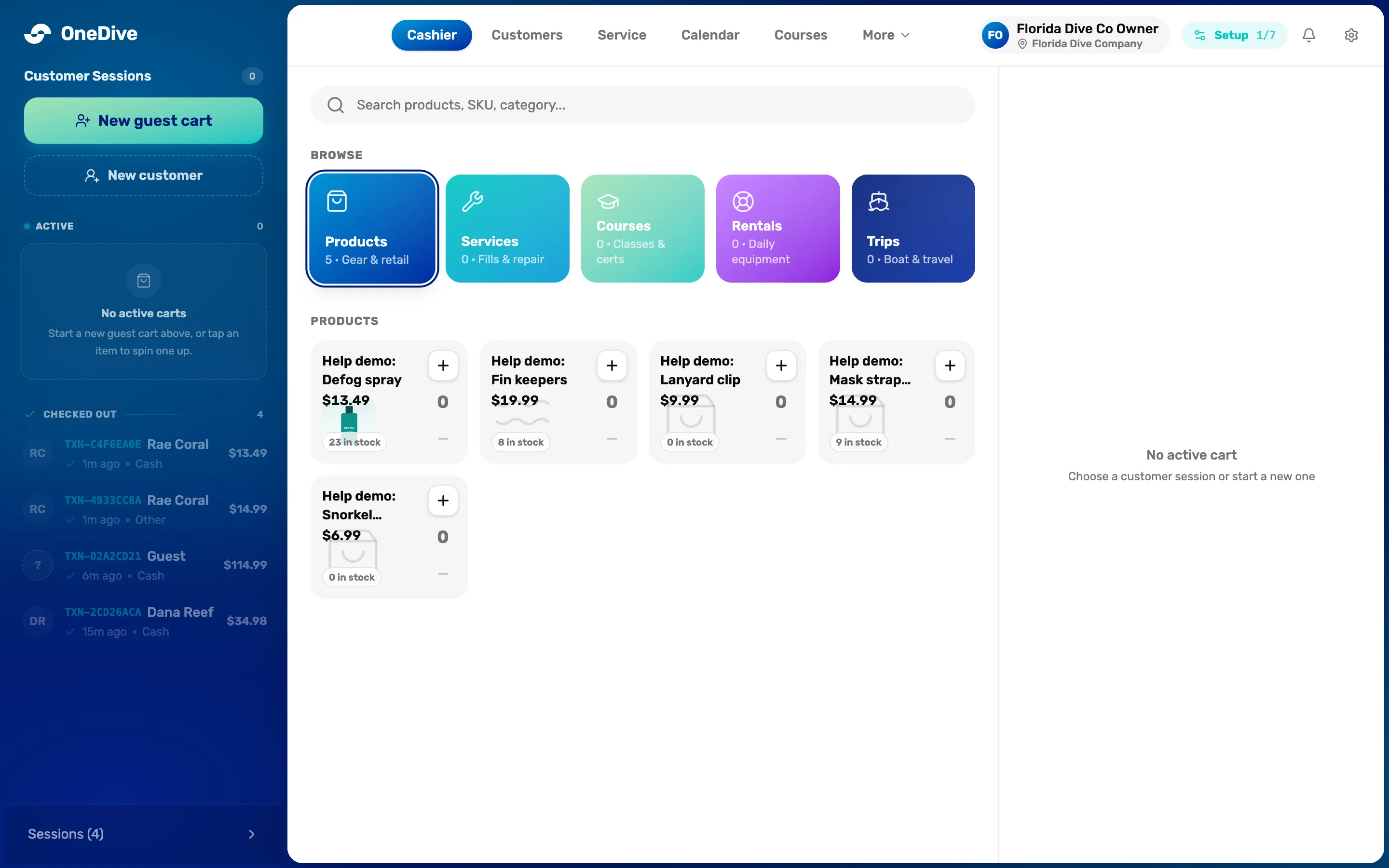
- Cashier. The register itself. The other tabs hold Customers, Service, Calendar, Courses and the rest.
- Your name and shop. Who is signed in, and which shop and location the sales go to.
- New guest cart. Starts a sale. New customer starts one with a customer attached.
- What you sell. Search, or tap a tile to see your products, services, courses, rentals and trips.
- The cart. Empty until you start a sale. It fills in on the right as you add items.
For what each part of this screen does, see The register screen, explained.
Bookmark the register for next time
On the computer or tablet at your counter, bookmark the register tab, or add it to the home screen. Next time, open the bookmark and you go straight to the Cashier screen.
If you have been signed out, the bookmark takes you to the OneDive B2B sign-in page instead. Sign in, then tap Open register again. You land on Overview first, not on the register.
Staff who only have a PIN
Front desk staff added without an email have no sign-in of their own. They don't open the register from OneDive B2B. Someone with a sign-in opens it on the counter device, and on a device set up as a register, each person switches in with their PIN by tapping the name at the top. See Your team on the floor.
If it doesn't open
- "Open register — coming soon". The register isn't switched on for your shop yet. Use Contact to ask us.
- "Your register isn’t enabled yet". The same thing, seen from the register side. Your account is fine. Tap Contact OneDive on that page.
- "We’re reviewing your account". A new shop opens the register once OneDive approves the account. You'll get an email when it's approved.
- "There’s no register on a purchasing account". A purchasing account buys from distributors and never has a register.
What happens next
- Start your first sale: Guest carts, customer carts and holding a cart.
- New to OneDive? Your first sale walks through setup from the start.